Handwritten notes that think with you.
Circle a problem and Etonia plots the graph and writes the steps right on your page. Open the Study Desk and a patient tutor teaches from your own notes. Every notebook feature is free, with no ads.
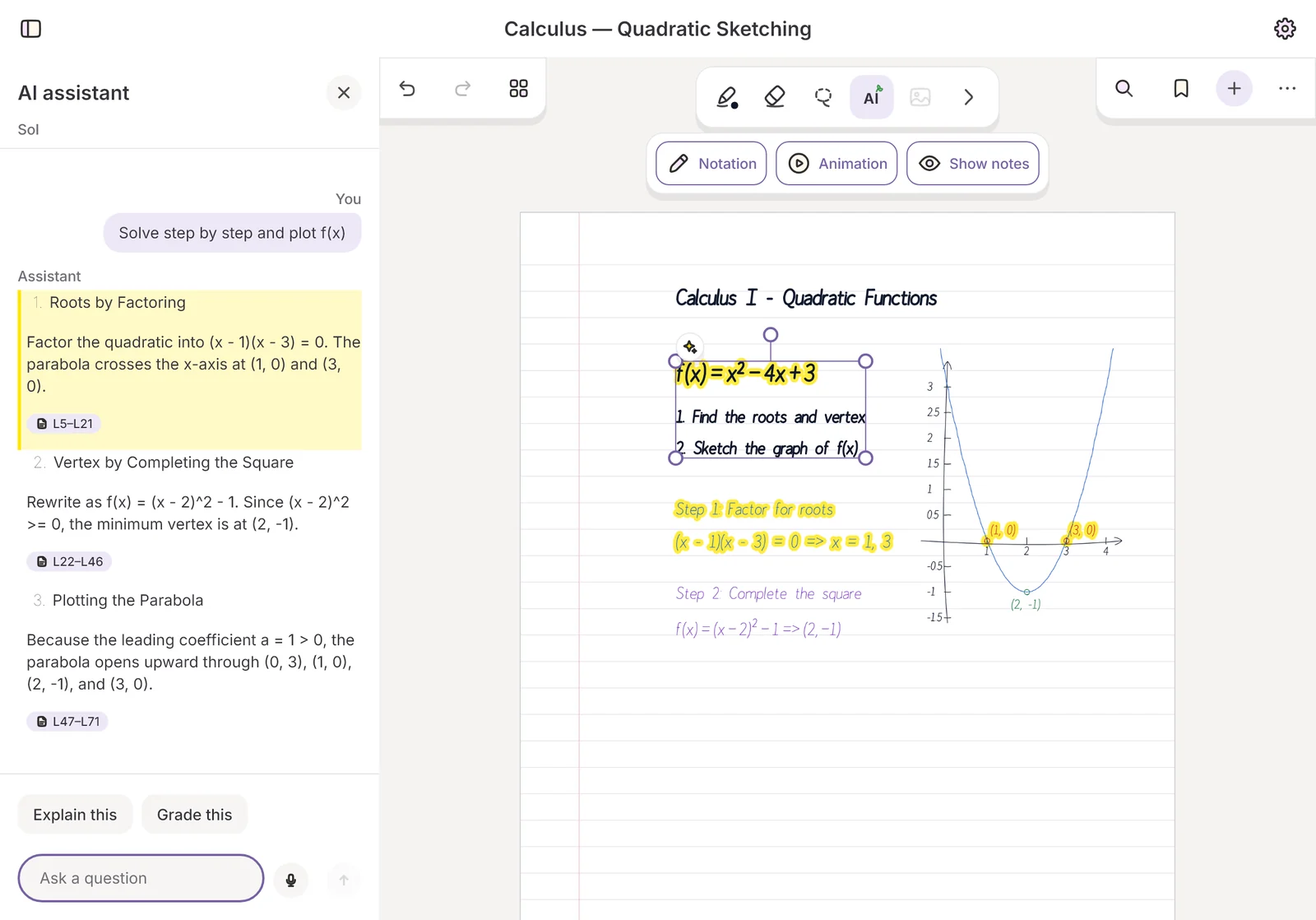
From a circled equation to a graph on your page.
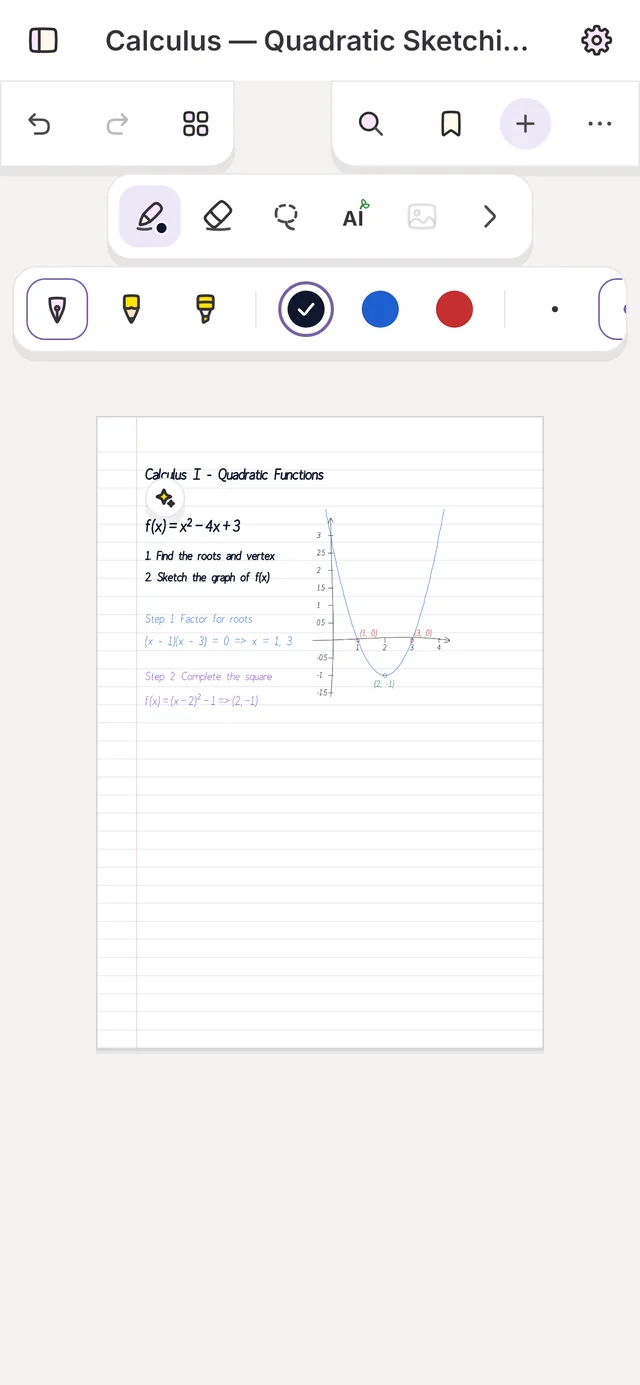
Select your handwritten maths and ask. Instead of a detached chat box, Etonia draws the axes, plots the curve with its roots and extrema, and writes each step beside your work, in handwriting matched to your own.
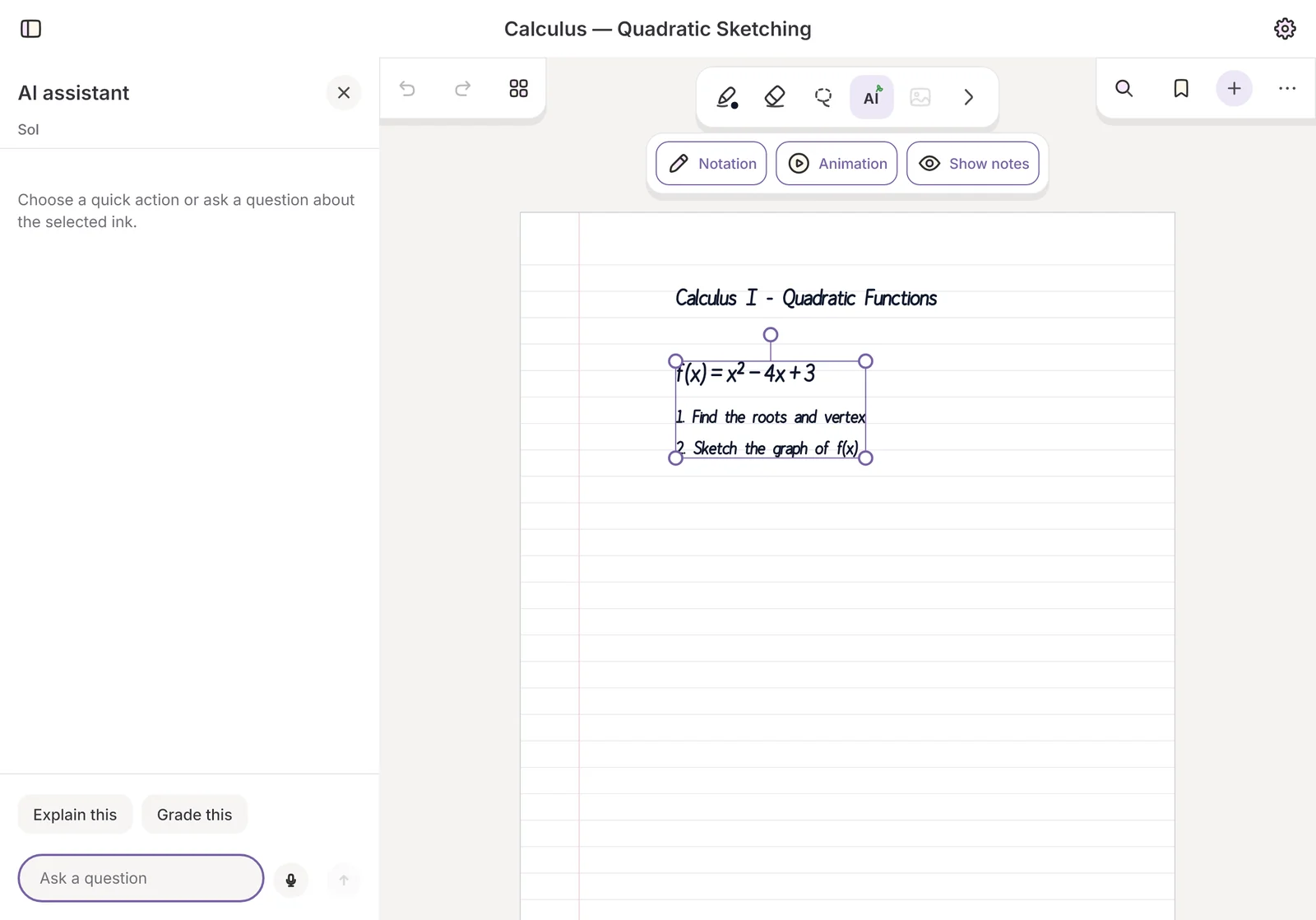
Every sentence points at real ink.
Each paragraph of the explanation is linked to the strokes and plot points it talks about. Scroll through it and the matching step lights up on your page.
- 1
Factoring & roots
Reading paragraph one lights up (x − 1)(x − 3) = 0 and the roots (1, 0) and (3, 0) on your graph.
- 2
Vertex & minimum
Move on, and the completed square (x − 2)² − 1 and the minimum (2, −1) take their turn.
- 3
The whole curve
Finally the parabola y = x² − 4x + 3 and its axes, so every sentence points at real ink.
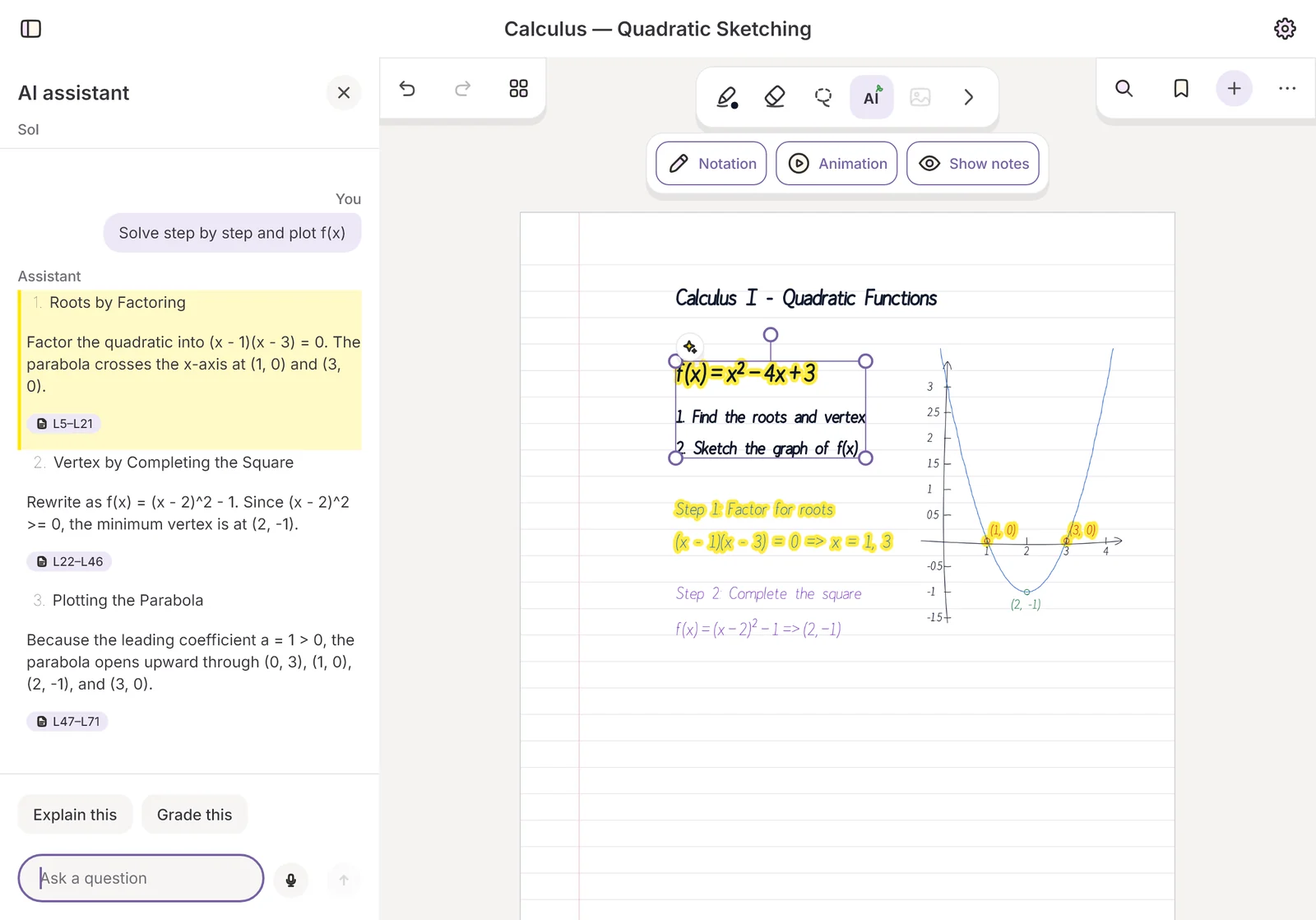
Your classes, your notes, one patient tutor.
Etonia opens on the Study Desk. Each class keeps its notes, chats, practice tests and flashcards together, and everything the tutor says is grounded in pages you wrote or imported.
- Week 6 · Derivatives4 notes
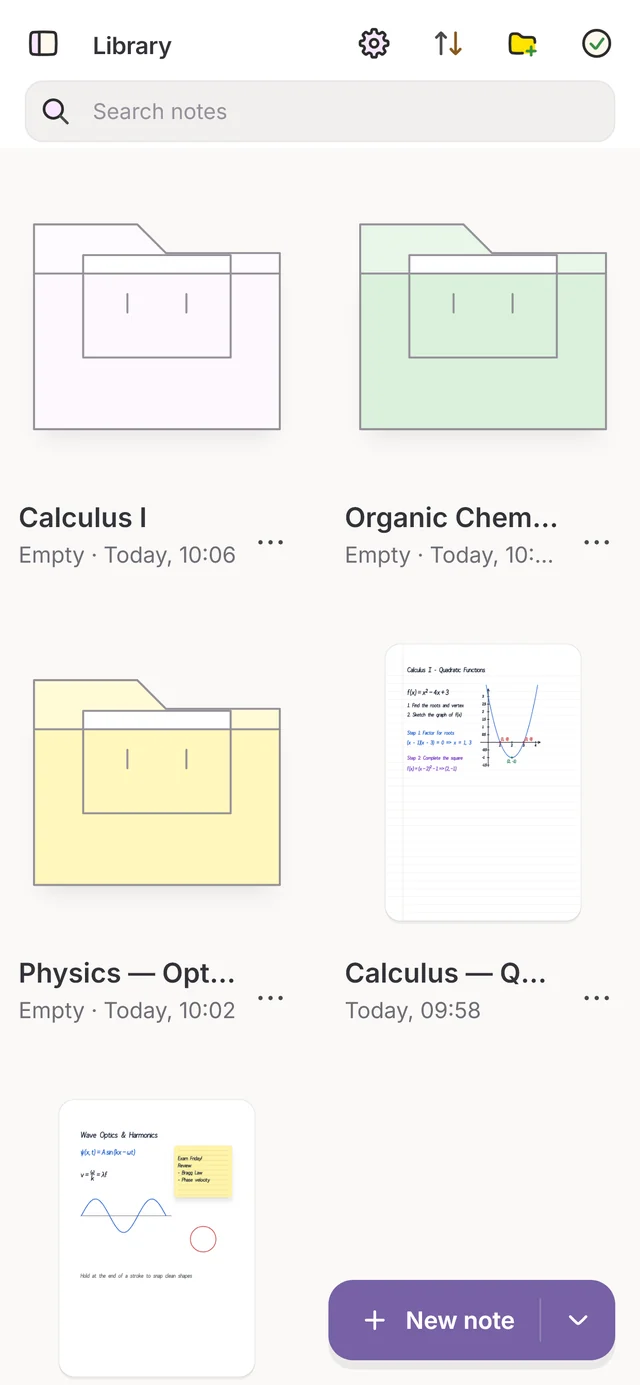
- Quadratic sketchingLined · 3 pages
- Textbook ch. 3 (PDF)Annotated · 42 pages
Your class is a folder
Notes, PDFs and sub folders live inside each class, as deep as you like. Search by meaning, sort, and open any page in one tap.
- Opens on the desk, on a fresh chat
- Semantic search across ink, diagrams and your marks
- Models from Anthropic, OpenAI and Google, or let Auto choose
- Mistake memory that adapts what you practise next
Every notebook feature. Free.
No paywalls, no ads and no watermarks on everyday note-taking. Plans only add more AI.
120 Hz ink
Ballpoint, fountain pen, pencil and highlighter with low-latency vector strokes.
Hold to shape
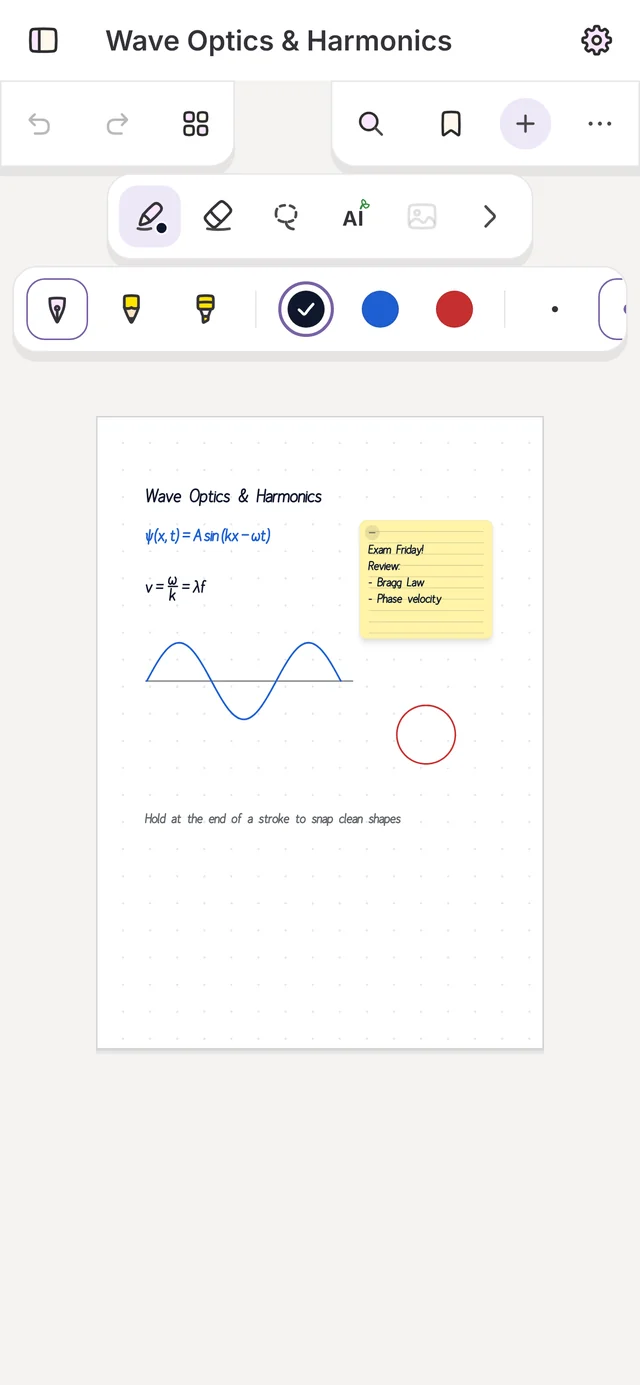
Pause at the end of a stroke and it snaps to a clean line, circle or polygon.
Every paper
Blank, lined, grid, dotted or infinite, in A4, Letter or square.
Sticky notes
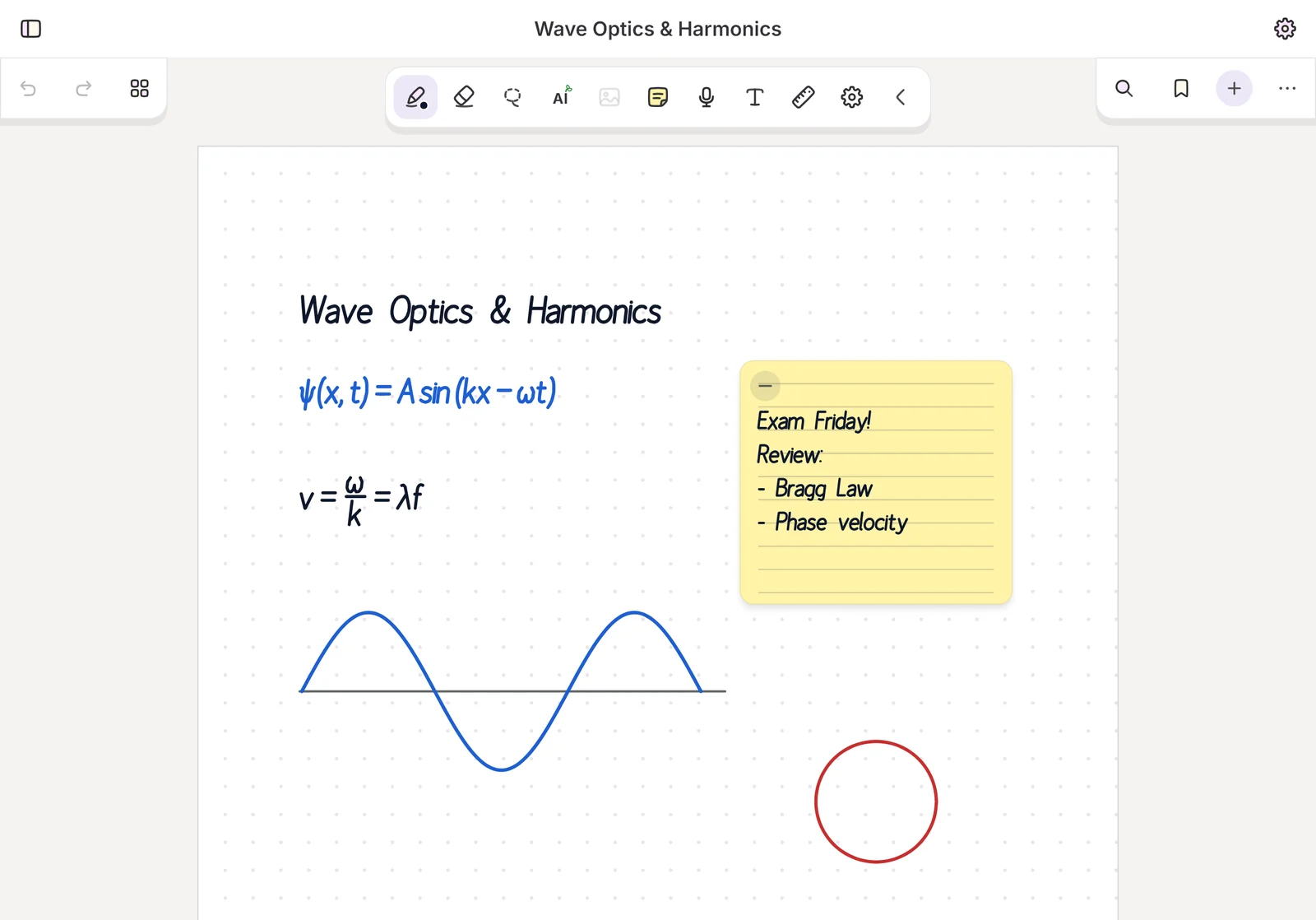
Movable notes, images and typed text boxes you can drop anywhere.
Audio, synced
Record a lecture and replay it alongside your strokes, transcribed on device.
Your handwriting
Calibrate once so the AI's notes look like you wrote them.
PDF markup
Import and annotate PDFs, with a chapter overview of every page.
Export anything
PDF, PNG or vector SVG, with no watermark, ever.
Bring last semester with you.
Import your Goodnotes library straight from Google Drive, alongside your PDFs. Back up notes, chats and settings to your own Google Drive or iCloud. Your notes stay on your device, never on our servers.
- Goodnotes import via Google Drive
- Unlimited notebooks and nested folders
- Handwriting search across everything
- Google Drive and iCloud backup
Notes are free forever. Upgrade only for more AI.
Notebook
Every note-taking feature. No ads.
- All pens, paper, shapes & sticky notes
- PDF markup, audio, export & backup
- Two-week unlimited AI trial on sign-in
Starter
Essential AI access
- Unlimited Haiku & Luna
- Monthly token pool for Sonnet, Sol & Flash
- Study Desk search & Practice Studio
ProRecommended
2.1× the tokens of Starter
- Unlimited Haiku & Luna
- Token pool for Sonnet, Sol & Flash
- Unlocks frontier models Opus, Argon & Astra
Max
1.7× the tokens of Pro
- Unlimited Haiku & Luna
- Largest pool for every standard & frontier model
- Built for heavy daily study & exam prep
Sign in with Apple or Google to start a two-week free trial of unlimited Haiku and Luna, beginning with your first AI request. Subscriptions are billed through the App Store or Google Play and renew automatically unless cancelled at least 24 hours before the end of the period. Privacy · Terms
Get early access.
Leave your email for a priority invite, and follow @etoniaaa for Tonia's adventures.